
Passport Photo Maker at a glance
- Price
- Free
- Account
- Not needed
- Watermark
- None
- Privacy
- Files are processed inside your browser and are never uploaded.
- Works on
- Windows, Mac, Linux, Android and iPhone – in any modern browser
- Install
- Nothing to install
Correct sizesUS 2×2 in, UK, Schengen, Pakistan, India, Canada, China, Saudi Arabia, UAE and more.
Print sheetsMany copies on a 4×6 in (10×15 cm) or A4 sheet with cut lines.
300 DPIPrint-ready quality.
How to use Passport Photo Maker
- Choose a clear front-facing photo with a plain light background.
- Pick the country, then drag and zoom so the face fits the oval guide.
- Download a single photo or a print sheet and print it at 100% scale.
Tips for an accepted photo
- Face the camera straight on with a neutral expression and both eyes open.
- Use even light with no shadows on the face or background.
- Use a plain white or off-white background.
- Remove glasses if the country requires it.
- Always check the latest official rules for your country before you apply.
Frequently asked questions
What size is a US passport photo?
2 × 2 inches (51 × 51 mm), with the head taking up about half to two-thirds of the height. Choose “United States” and the tool applies this size for you.
What size is a UK, Schengen or Pakistan passport photo?
35 × 45 mm. Choose the country in the list – the tool sets the right size and shape, and you only need to place your face in the guide.
How do I print the photos?
Download the 4 × 6 inch sheet and print it at a photo shop or at home on 4 × 6 photo paper at 100% scale. Do not choose “fit to page”, or the photos will come out the wrong size.
Can I change the background colour?
The tool keeps your original background, so take the photo against a plain white or light wall with even light. Most offices reject shadows and patterned backgrounds.
Can I use the photo for online applications?
Yes. Download the single photo as JPG. If the portal also has a KB limit, run it through Resize Image to KB.
Is my photo uploaded?
No. The photo is cropped and prepared in your browser and never leaves your device.
Guides for this tool
 Online Forms"Online Application Document Checklist: Photos, Scans, Signatures and File Sizes"
A practical checklist for job, university, exam, visa and government portals - preparing photos, signatures and scanned documents in the right format and size, naming files, and avoiding last-minute upload errors.
9 min read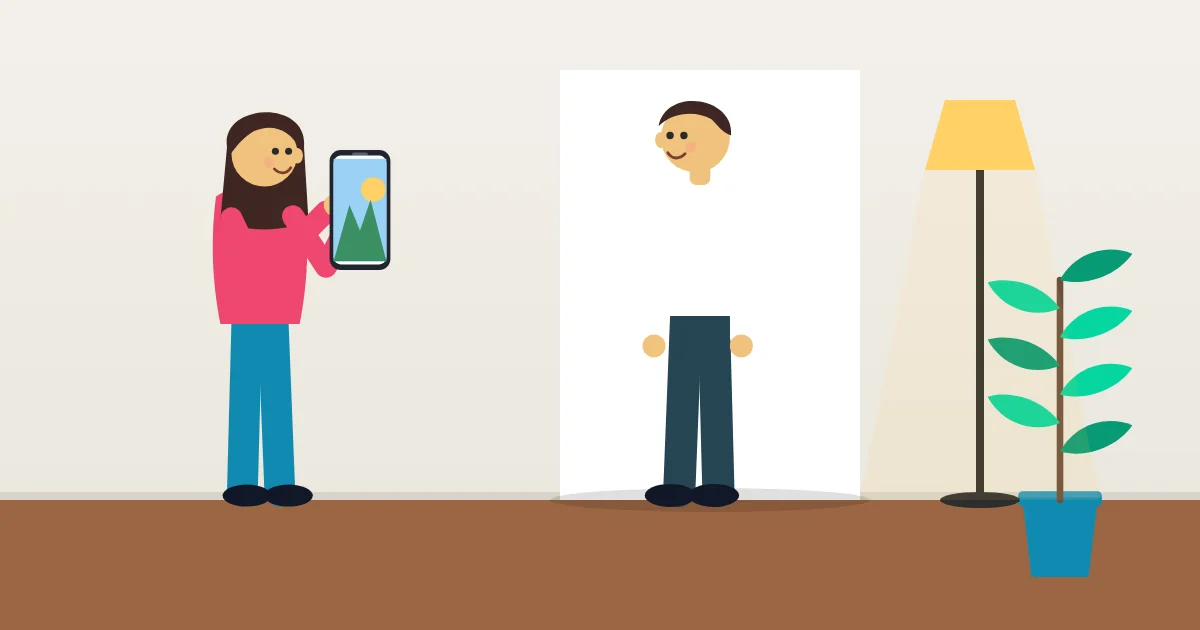 Online FormsHow to Make a Passport Size Photo at Home (and Print It Cheaply)
Take a passport or visa photo with your phone, crop it to the right size for your country and print several copies on one sheet. Includes common rejection reasons.
10 min read Logo Maker
 eBook Maker (KDP)
 Book Cover Resizer (KDP)
 Signature Maker
 Storybook Maker
 PDF to Word