
PDF to Word at a glance
- Price
- Free
- Account
- Not needed
- Watermark
- None
- Privacy
- Files are processed inside your browser and are never uploaded.
- Works on
- Windows, Mac, Linux, Android and iPhone – in any modern browser
- Install
- Nothing to install
How to use PDF to Word
- Press Select PDF file and choose your PDF.
- Choose Editable text (recommended) or Exact look.
- Press Convert to Word and download your DOCX file.
Editable text or exact look?
Editable text rebuilds the words of your PDF as normal Word paragraphs, so you can fix a typo, change a price or reuse the text. It works best with PDFs that were created from Word, Google Docs or other software. Complex layouts with many columns or tables may need small fixes after converting.
Exact look places a picture of every page in the Word file. The document looks exactly like the PDF, but the text cannot be edited. Use it when the layout matters more than editing.
Getting the best Word file
- PDFs made from Word or other programs convert best – headings, paragraphs, bold text, lists and tables come back editable.
- Scanned PDFs are pictures – choose the OCR option (or run OCR PDF first) so the text can be edited.
- Complex magazine layouts with many columns may need small fixes in Word afterwards.
Tips
- Urdu and Arabic paragraphs are marked right-to-left so they show correctly in Word.
- Only need the text? PDF to Text is faster.
Frequently asked questions
Is this PDF to Word converter free?
Is my PDF uploaded to a server?
Will the formatting stay the same?
Can I convert a scanned PDF to Word?
Which Word versions can open the file?
Does it work on iPhone and Android?
Guides for this tool
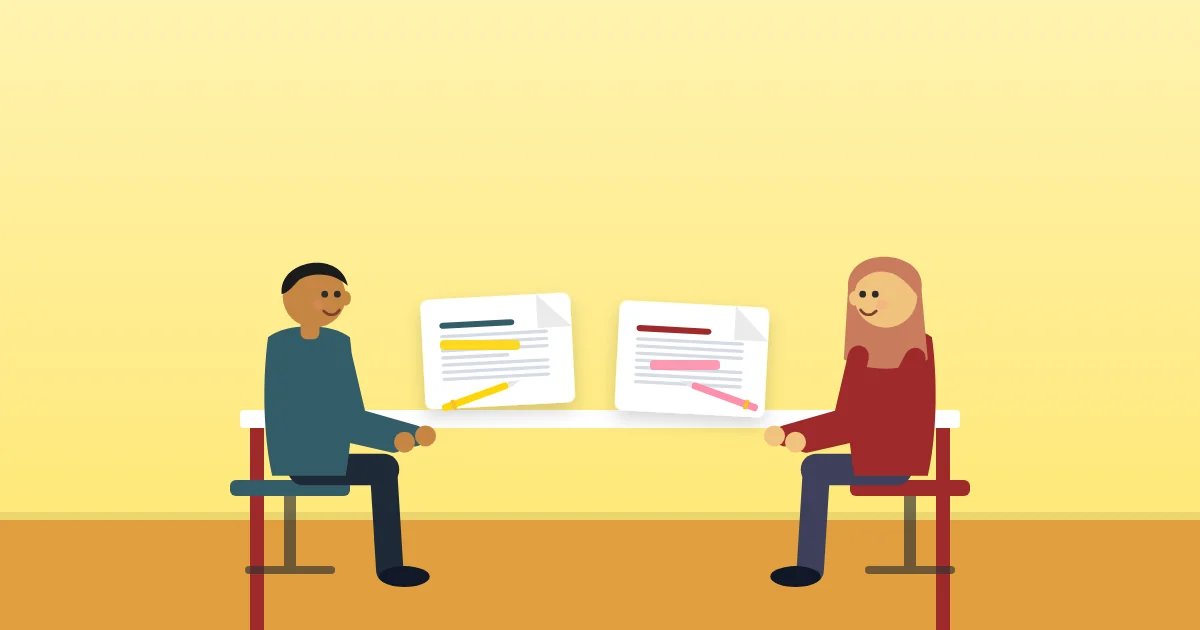 PDF GuidesHow to Compare Two PDF Files and Find Every Change
Spot what changed between two versions of a contract, report or quote. Learn the difference between visual and text comparison, how to read the results and when to double-check.
9 min read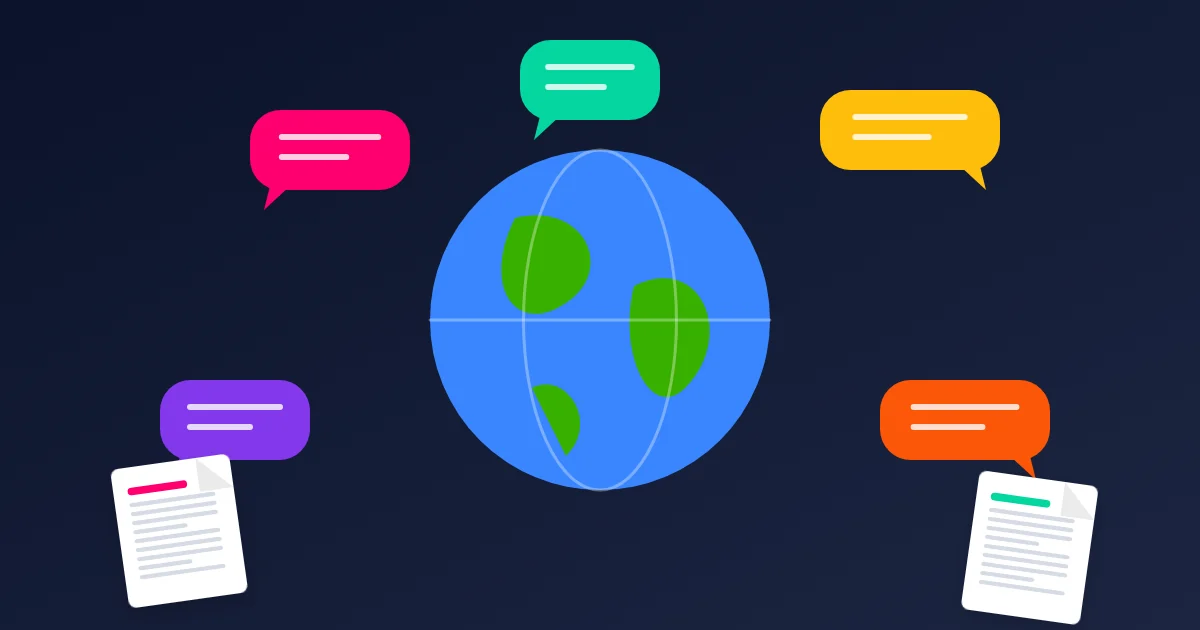 PDF GuidesHow to Translate a PDF and Keep the Original Layout
Translate PDFs into Urdu, Arabic, English, Spanish and 100+ other languages while keeping pictures, headings and page layout. When to trust machine translation and how to check it.
9 min read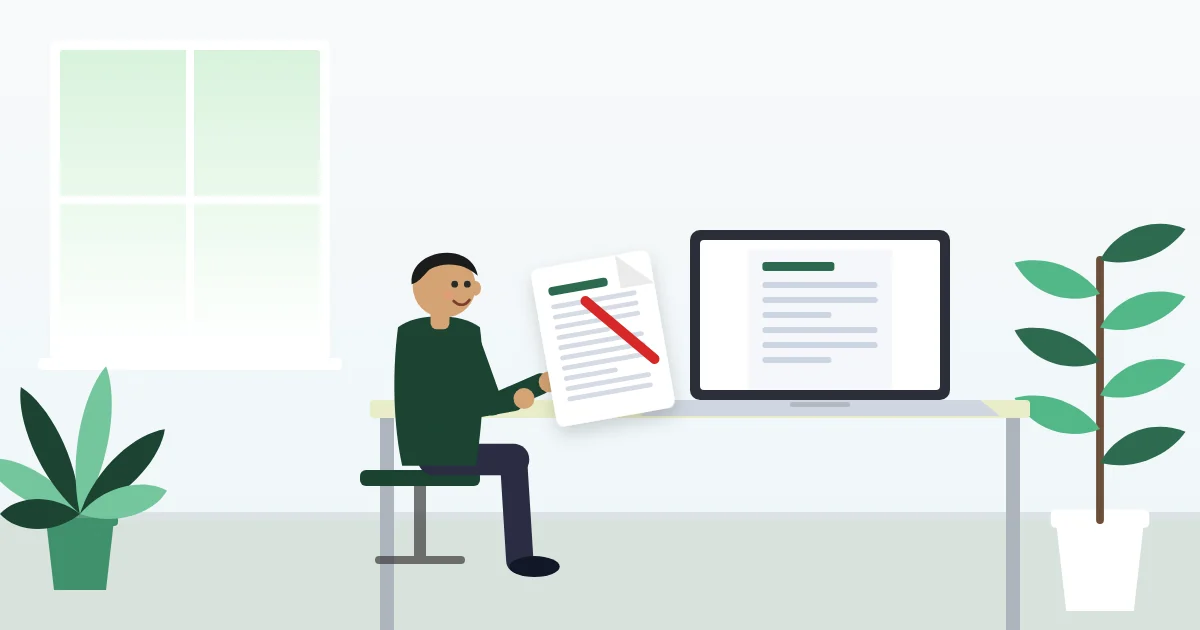 Careers & DocumentsHow to Make an ATS-Friendly Resume That Recruiters Actually Read
Many CVs are filtered by software before a person sees them. Learn how applicant tracking systems read resumes, which layouts and words help, and how to build one for free.
9 min read PDF to Text
 PDF to JPG
 Extract Images from PDF
 PDF to Grayscale
 PDF Converter
 PDF to Excel