The SmartPDFConvert Blog
Clear, practical guides for everyday document jobs – shrinking files for online forms, signing and protecting PDFs, fixing photos, scanning with your phone and much more.
 Online Forms"Online Application Document Checklist: Photos, Scans, Signatures and File Sizes"
A practical checklist for job, university, exam, visa and government portals - preparing photos, signatures and scanned documents in the right format and size, naming files, and avoiding last-minute upload errors.
9 min read Ebooks & WritingHow to Use Mind Maps for Studying (With Examples)
Why mind maps help you understand and remember, how to build a good one from a chapter or lecture, and how to revise with them. Includes subject examples and a step-by-step study routine.
9 min read Image GuidesHow to Make a Favicon (ICO) From a PNG or Logo
Create a sharp favicon.ico for your website from a PNG, JPG or SVG logo - which sizes to include, how to design a logo that works at 16 pixels, and how to add it to WordPress or any site.
9 min read Privacy & SecurityHow to Remove Hidden Metadata From PDFs and Photos Before Sharing
PDFs and phone photos carry hidden details - author names, software, dates, comment names, even GPS location. See what they reveal and how to remove them before you share or upload.
9 min read PDF GuidesWhat Does "Flatten a PDF" Mean, and When Should You Do It?
Flattening turns form fields, comments, stamps and signatures into a fixed part of the page. Learn when to flatten, the two ways to do it, and the mistakes to avoid before sending a filled form.
9 min read PDF GuidesHow to Crop a PDF and Remove White Margins
Trim wide white margins, scanner borders and unwanted edges from PDF pages, crop all pages or just one, and understand what cropping really hides. Includes reading on phones and printing tips.
9 min read Ebooks & WritingHow Long Should a Blog Post, Essay or Caption Be? A Word Count Guide
Sensible word counts for blog posts, essays, cover letters, captions and speeches, how reading and speaking time are worked out, and how to hit a limit without padding or cutting meaning.
9 min read Image GuidesHow to Make a GIF From a Video (Small, Sharp and Smooth)
Turn a phone video or screen recording into a looping GIF. How to pick the moment, choose frame rate and width, keep the file small enough to share, and when a short MP4 is better.
9 min read Ebooks & WritingHow to Format an E-book and Paperback for Amazon KDP
A practical guide for first-time self-publishers - manuscript files, trim sizes, margins, page numbers, covers and the checks that stop Amazon KDP rejecting your book.
10 min read Ebooks & Writing"EPUB vs PDF: Which E-book Format Should You Use?"
The real differences between EPUB and PDF for e-books, study material and self-published books, which one readers prefer on phones and e-readers, and how to convert between them.
10 min read Ebooks & Writing"Markdown to PDF: Write in Plain Text, Get a Beautiful Document"
Learn the basics of Markdown in five minutes and turn notes, guides and README files into clean, well-formatted PDFs with headings, lists, tables and code.
9 min read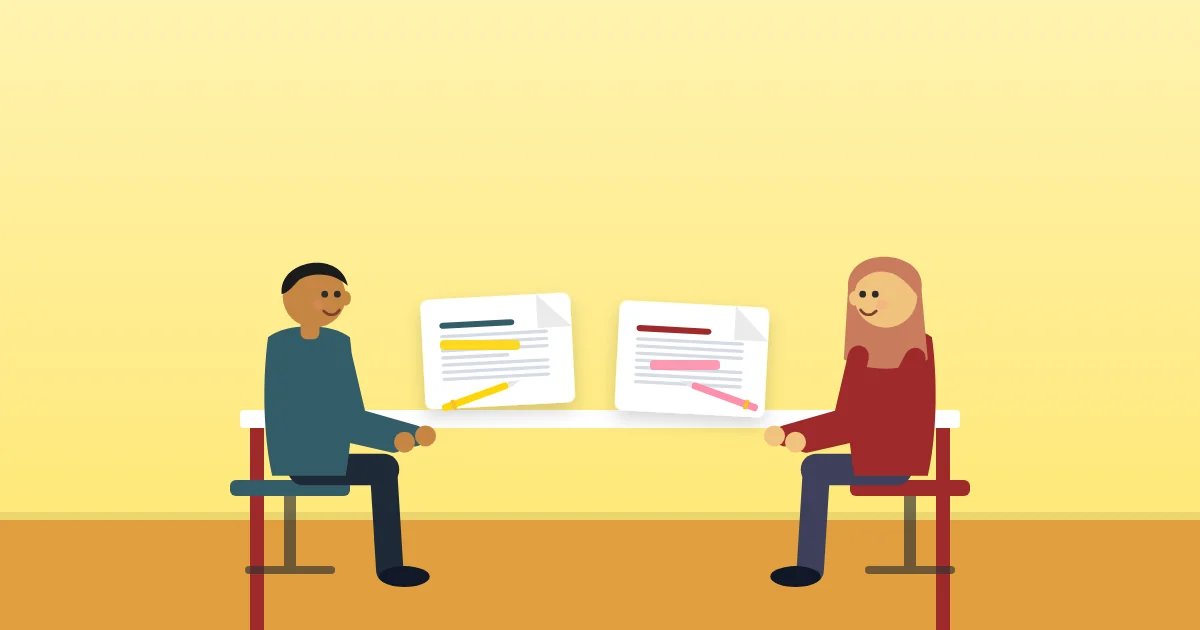 PDF GuidesHow to Compare Two PDF Files and Find Every Change
Spot what changed between two versions of a contract, report or quote. Learn the difference between visual and text comparison, how to read the results and when to double-check.
9 min read PDF GuidesHow to Convert a PDF to Black and White (and Save Printer Ink)
Turn colourful PDFs into grayscale or pure black and white for cheaper printing, smaller files and forms that demand monochrome. When to use each, and what to watch out for.
9 min read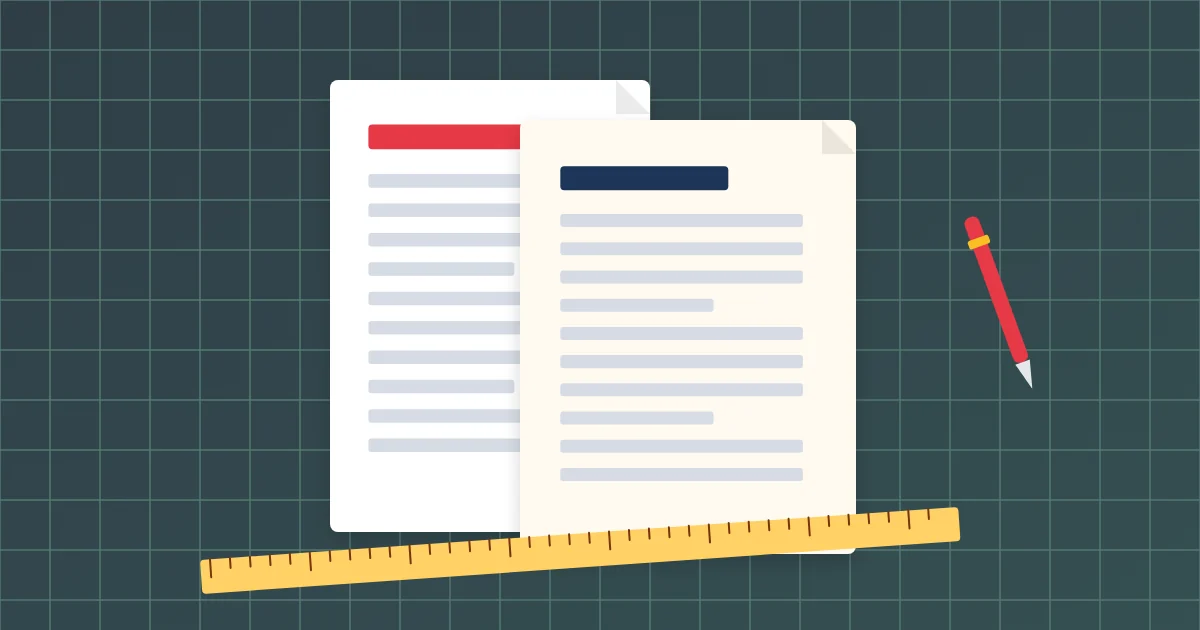 PDF Guides"A4 vs Letter: How to Change the Page Size of a PDF"
Why documents print with cut-off edges or big margins, the differences between A4, Letter, Legal and other sizes, and how to resize every page of a PDF so it prints and uploads correctly.
9 min read PDF GuidesHow to Delete Pages From a PDF (and Reorder What's Left)
Remove blank pages, ads, old sections or private pages from a PDF in seconds. Learn the quickest way for one page or many, how to reorder pages, and how to keep the original safe.
9 min read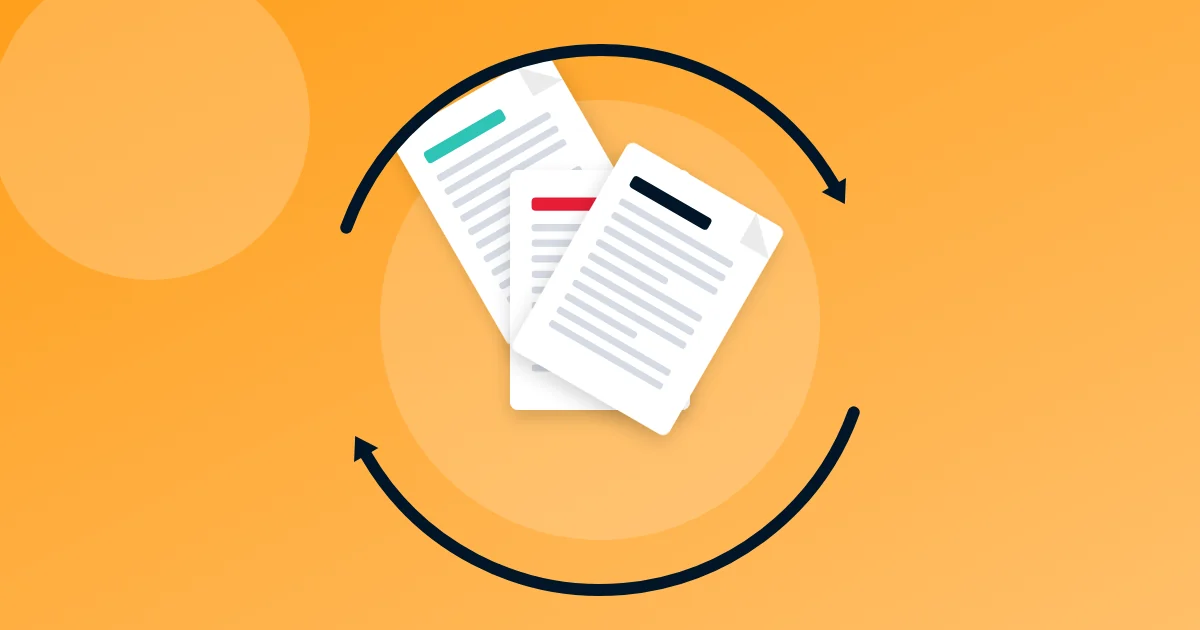 PDF GuidesHow to Rotate PDF Pages Permanently (and Fix Sideways Scans)
Turn sideways or upside-down PDF pages the right way up and save them that way for good. Rotate all pages or just one, fix mixed scans and understand why viewers sometimes disagree.
9 min read PDF GuidesHow to Extract Images From a PDF (at Full Quality)
Save the photos, logos and charts inside a PDF as separate JPG or PNG files at their original resolution, or turn whole pages into images. Tips for catalogues, reports and e-books.
9 min read PDF GuidesHow to Translate a PDF and Keep the Original Layout
Translate PDFs into Urdu, Arabic, English, Spanish and 100+ other languages while keeping pictures, headings and page layout. When to trust machine translation and how to check it.
9 min read Ebooks & Writing"PDF to Audio: How to Listen to Documents and Books With Natural AI Voices"
Turn PDFs, notes and reports into MP3 audiobooks with natural-sounding AI voices. Learn how to choose a voice, clean the text, set the speed and listen on the go.
9 min read Careers & DocumentsHow to Create a Handwritten Signature Image Online
Make a clean digital signature by drawing, typing or uploading a photo, and download it as a transparent PNG for documents, PDFs, forms and email. Tips for a natural look.
10 min read Image GuidesHow to Convert a Logo or Image to SVG (Vector) for Free
Turn a blurry PNG or JPG logo into a crisp vector that scales to any size. Learn how vectorising works, which settings to choose, and how to use SVG for print, web and cutting machines.
9 min read Image GuidesHow to Optimise Images for a Faster Website
Images are usually the heaviest part of a web page. Learn the right sizes, formats and compression levels to make pages load fast without blurry pictures.
9 min read PDF Guides"PowerPoint to PDF: How to Share Slides That Look Right Everywhere"
Convert PowerPoint presentations to PDF so fonts, layouts and images stay intact on any device. Plus how to make handouts, keep files small, and turn PDFs back into slides.
9 min read PDF Guides"PDF to Excel: How to Extract Tables From a PDF Into a Spreadsheet"
Stop retyping numbers from PDFs. Learn how table extraction works, how to convert bank statements, invoices and reports into Excel, and how to clean up the result.
9 min read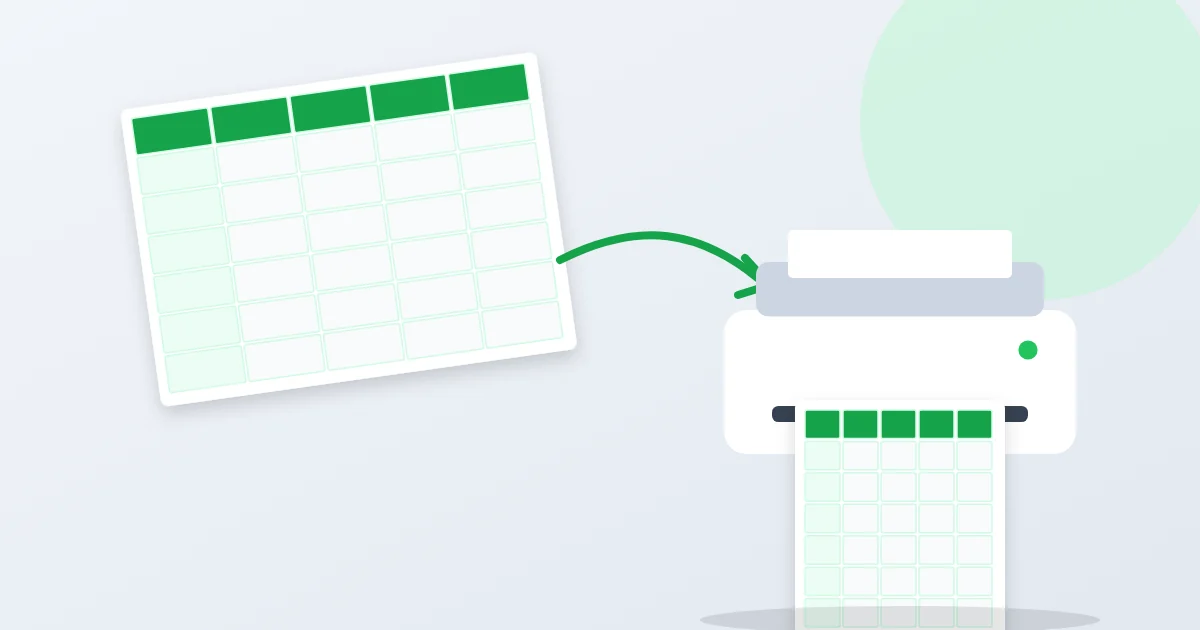 PDF GuidesHow to Convert Excel to PDF Without Breaking the Columns
Spreadsheets often print across too many pages or cut off columns. Learn how to turn Excel and CSV files into tidy, readable PDFs with headers on every page.
9 min read Scanning & OCRHow to Scan Documents With Your Phone Into a Clean PDF
Turn your phone into a scanner. Learn how to photograph papers so they look professionally scanned, crop and straighten pages automatically, and make small, searchable PDFs.
9 min read Careers & Documents"How to Write a Cover Letter: Structure, Examples and Tips"
A short, specific cover letter can be the reason you get an interview. Learn the simple four-part structure, see a full example, avoid common mistakes and create one for free.
9 min read Careers & DocumentsHow to Make an ATS-Friendly Resume That Recruiters Actually Read
Many CVs are filtered by software before a person sees them. Learn how applicant tracking systems read resumes, which layouts and words help, and how to build one for free.
9 min read Image GuidesHow to Convert WebP to JPG or PNG (and Why WebP Exists)
Downloaded an image that ends in .webp and nothing will open it? Learn what WebP is, why websites use it, and how to convert WebP to JPG or PNG on any device in seconds.
9 min read Image Guides"PNG vs JPG vs WebP: Which Image Format Should You Use?"
A plain-English guide to JPG, PNG, WebP, GIF and SVG. Learn which format to use for photos, screenshots, logos, websites and printing, and how to convert between them.
9 min read Privacy & Security"Are Online PDF Tools Safe? How to Protect Your Private Documents"
Most online converters upload your files to a server. Learn the risks, how browser-based tools differ, how to check what a site does with your file, and a privacy checklist.
9 min read Careers & DocumentsHow to Fill in a PDF Form on Your Phone or Computer
Complete fillable and non-fillable PDF forms without printing. Learn how fillable fields work, how to lock your answers with flattening, and how to handle forms with no fields.
9 min read PDF GuidesHow to Edit a PDF for Free Without Acrobat
Fix a typo, change a date, add text, pictures, highlights or drawings to any PDF in your browser. Learn which edits work directly in the PDF and when to convert to Word.
9 min read PDF GuidesHow to Add a Watermark to a PDF (Text or Logo)
Stamp CONFIDENTIAL, DRAFT or your logo on every page of a PDF. Learn which position, transparency and layer to use, and what watermarks can and cannot protect.
9 min read PDF GuidesHow to Add Page Numbers to a PDF (Plus Headers and Footers)
Number the pages of a thesis, report or merged document in seconds. Choose the position and style, skip the cover page, start from any number and add headers and footers.
9 min read PDF Guides"What Is PDF/A? When You Need It and How to Convert"
PDF/A is the archive version of PDF, required by many courts, universities and government portals. Learn what makes it different, which version to choose and how to convert.
9 min read Privacy & Security"How to Redact a PDF Properly: Why Black Boxes Often Fail"
Drawing a black box over text does not remove it. Learn how real redaction works, how to hide names, numbers and addresses for good, and how to check your work.
9 min read Careers & DocumentsHow to Sign a PDF Electronically (Without Printing It)
Sign contracts, forms and letters on your phone or computer in under a minute. Draw, type or upload your signature, add the date, and learn when e-signatures are accepted.
9 min read Privacy & SecurityHow to Remove a Password From a PDF You Own
Tired of typing the same password every time you open your bank statement? Learn how to unlock your own PDFs legally, remove print and copy restrictions, and stay safe.
9 min read Privacy & SecurityHow to Password Protect a PDF (and Choose a Password That Works)
Lock a PDF with strong AES-256 encryption so only the right people can open it. Learn the two kinds of PDF passwords, restrictions, and how to share the password safely.
10 min read Scanning & OCR"What Is OCR? How to Turn Scanned Documents and Photos Into Text"
OCR reads the words in scans and photos so you can search, copy and edit them. Learn how it works, how to get accurate results and how to OCR English, Urdu, Hindi and Arabic.
9 min read Image GuidesHow to Remove the Background From a Photo for Free
Cut out people, products and logos from any photo, then put them on white, a colour or transparency. Tips for clean edges, hair, product photos and profile pictures.
9 min read Image Guides"HEIC vs JPG: What iPhone Photos Are and How to Open Them Anywhere"
Why iPhone photos end in .HEIC, why Windows and websites reject them, and the easiest ways to convert HEIC to JPG or PNG on any phone or computer.
9 min read Online FormsHow to Resize a Photo to 20 KB, 50 KB or 100 KB for Online Forms
Online forms often reject photos and signatures that are too big. Learn how KB, pixels and quality relate, and how to hit an exact size without a blurry result.
9 min read Online FormsHow to Make a Passport Size Photo at Home (and Print It Cheaply)
Take a passport or visa photo with your phone, crop it to the right size for your country and print several copies on one sheet. Includes common rejection reasons.
10 min read PDF Guides"JPG to PDF: How to Turn Photos Into One PDF Document"
Combine phone photos, screenshots and pictures into a single neat PDF. Choose the right page size, margins and order, and keep the file small enough to send.
9 min read PDF GuidesHow to Split a PDF Into Separate Files or Pages
Break a large PDF into single pages, chapters or fixed-size parts. Learn the difference between splitting and extracting, page range syntax and smart uses.
9 min read PDF GuidesHow to Merge PDF Files Into One (on Phone or Computer)
Combine several PDFs into a single, well-ordered document in under a minute. Includes tips for ordering, page sizes, file size limits and job applications.
10 min read PDF GuidesHow to Convert PDF to Word and Keep the Formatting
Turn a PDF into an editable Word document without a jumbled layout. Learn why conversions go wrong, which mode to use and how to fix common problems.
11 min read PDF GuidesHow to Compress a PDF Without Losing Quality
Make a PDF smaller for email and upload limits while keeping text sharp. Learn what makes PDFs heavy, which compression level to pick and the mistakes to avoid.
11 min read